

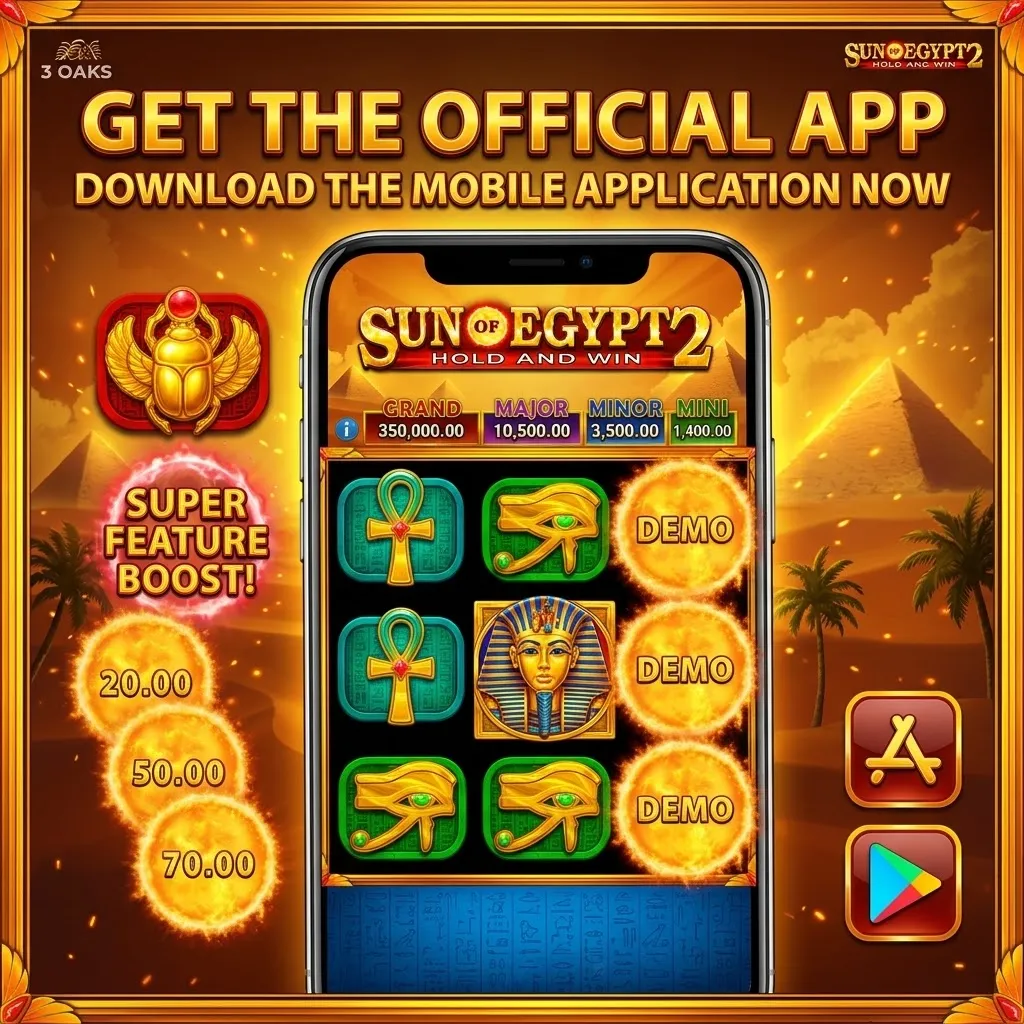
Sun of Egypt 2 on mobile: what to expect
Sun of Egypt 2 is built in HTML5, which means the slot itself has no app of its own and no file to download. What you install is the app of the casino that offers the Booongo catalogue, and the game runs inside it exactly as it runs in a browser. If you prefer not to install anything at all, opening the casino site on your phone gives you the same reels, the same 25 fixed paylines and the same four jackpots.
Below you will find how the mobile version works in practice: how to install a casino app on Android and iOS step by step, how the app compares with the mobile browser, what your device needs, how the demo mode behaves on a phone, and how to keep the download safe. All the game data is the same as on the Play page - a mobile screen changes the frame, not the slot.
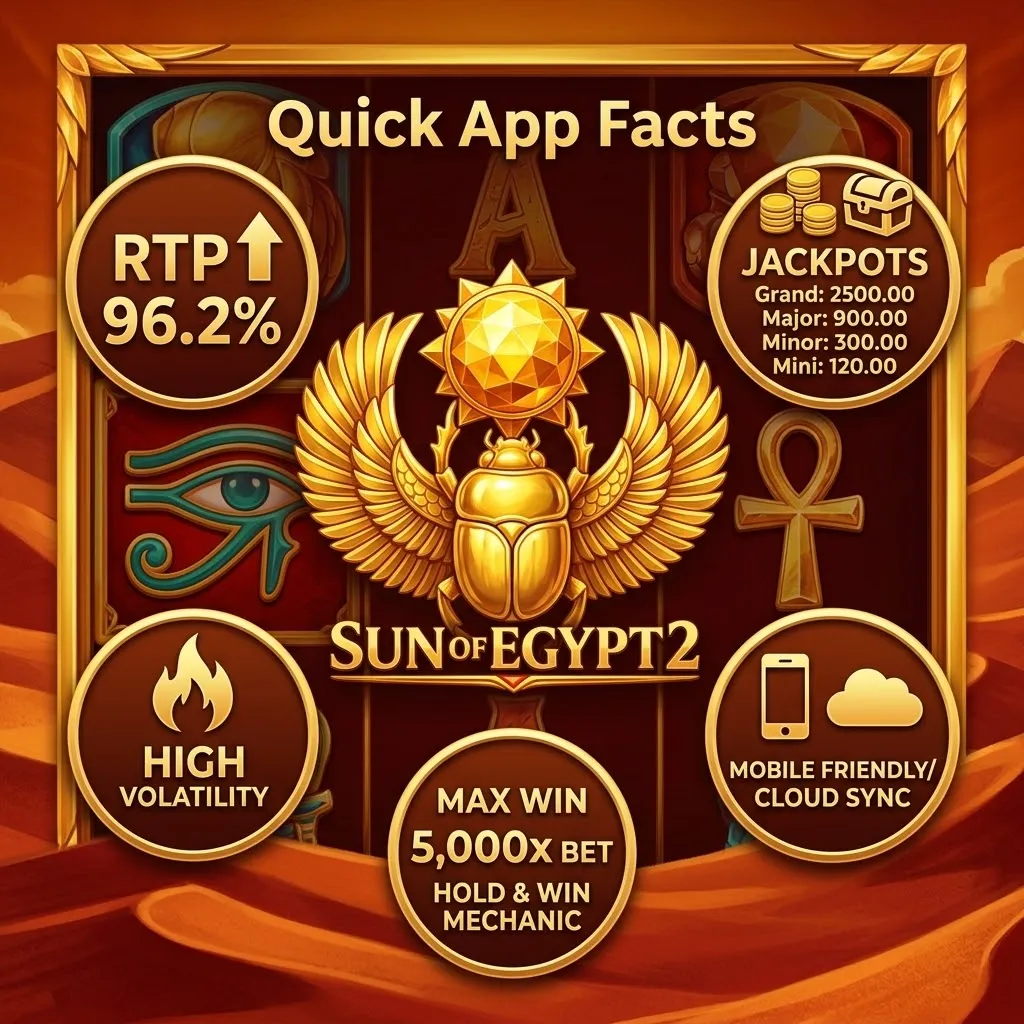
Quick app facts
Before you install anything, here is the short version of how Sun of Egypt 2 behaves on a phone:
How to install step by step
- Choose the casino. Pick a licensed casino that carries Booongo titles and check that Sun of Egypt 2 is actually in its lobby before you install anything.
- Open its official page. On Android the app file is usually offered on the casino's own site; on iOS it is normally an App Store listing or a home-screen shortcut. Never take the file from a third-party mirror.
- Allow the installation. Android asks for permission to install apps from outside the store the first time. Grant it for the browser you downloaded with, and switch it back off afterwards.
- Sign in. Use the account you already have. Balance, history and any limits you set come with it, so nothing needs to be configured twice.
- Find the game. Search for Sun of Egypt 2 in the lobby, open it in demo or real-money mode, and set the bet from 0.25 as usual.
App or mobile browser
Both routes load the same HTML5 game from the same servers, so the reels, the RTP and the jackpots are identical. What changes is the shell around the game and how much friction there is before the first spin.
What the mobile version keeps
Nothing is trimmed for the small screen. The Hold and Win round still starts when six or more Sun symbols land, those symbols still lock in place and grant respins, and the four jackpots - Mini, Minor, Major and Grand - are all reachable, including the 5,000x Grand when the whole grid fills with Sun symbols. The free spins round behaves the same way: three golden amphorae award 8 free spins, the low-value symbols leave the reels for the duration, and extra Scatters extend the round.
The layout is what adapts. The 5x3 grid resizes to the orientation of the phone, the spin button and the jackpot meters sit within thumb's reach, and the paytable opens as a full-screen panel instead of a side column. In landscape the reels take the whole width, which is the more comfortable way to follow a Hold and Win round with a dozen Sun symbols on screen at once. A fuller description of the mechanics is on the Play page.
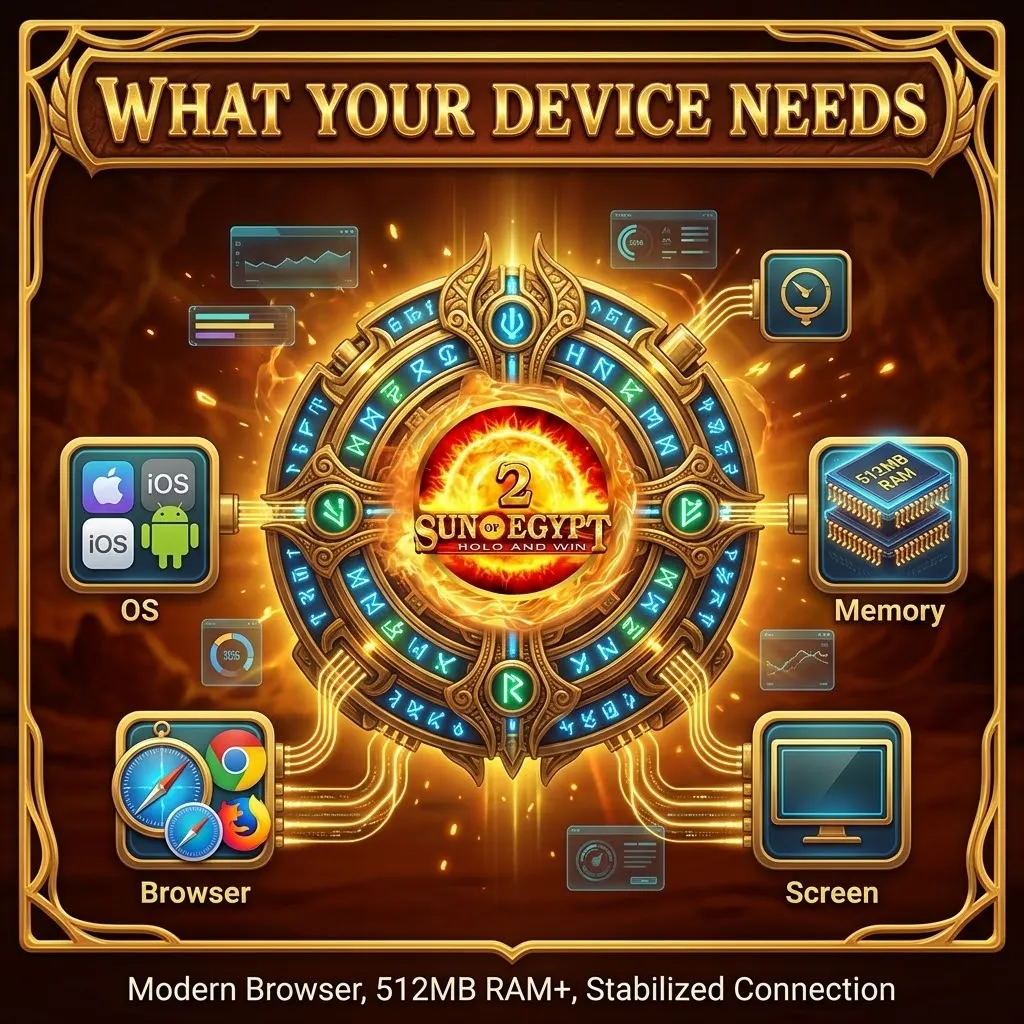
What your device needs
The requirements are modest because HTML5 does the heavy lifting in the browser engine rather than in a downloaded client.
Demo mode on the phone
The demo works on mobile exactly as it does on a computer: virtual credits, the full feature set and no risk. It is the cheapest way to learn how quickly the Sun symbols accumulate, what a respin chain feels like when the grid is half full, and how long the quiet stretches can be in a high-volatility slot. Because the mechanics are identical, everything you learn in demo transfers directly to real-money play.
One caveat worth keeping in mind: a demo balance teaches the rhythm of the game, not the pressure of your own money. Switching to real bets changes the decisions, not the odds, so it is sensible to set the bet low at first even after a comfortable demo session.
Data, battery and connection
Sun of Egypt 2 is light on data. The assets load once and then the traffic is mostly the result of each spin, so a session costs far less than streaming video. Battery use is the more noticeable side, since the screen stays on with constant animation; a long evening session drains a phone faster than browsing does.
A stable connection matters more than speed. If the signal drops mid-spin, the result is still decided on the server and appears in your account when the game reconnects, but a Hold and Win round with a dozen locked symbols is not something you want to watch through a stuttering screen. Wi-fi or a solid mobile signal makes the difference.
Installing safely
The single most important rule is where the file comes from. Install only from the casino's own site or from the official store listing, and treat any other source as a risk with no upside - a repackaged app file is the classic way malware reaches an Android phone. Sites promising a "Sun of Egypt 2 APK" are not connected to Booongo, because no such standalone app exists.
Beyond the source, check what the app asks for. A casino client needs almost nothing from the system, so requests for contacts, messages or call logs are a reason to stop. Leave the Android security scan enabled, turn the unknown-sources permission back off once the installation is done, and keep the account protected with a strong password. The Responsible Gaming page covers the limits worth setting before the first spin.
If something does not work
Most mobile problems come from four places: the browser, the cache, the connection or the account. A game that will not load usually needs an updated browser or a cleared cache, after which it opens normally. If the screen stays black, close other apps first - a phone with no free memory can fail to start an HTML5 game even when it has just worked.
A spin that seems stuck is almost always a connection issue rather than a game fault; reopen the app and check the round in your account history before repeating the bet. If the game is missing from the lobby entirely, it may not be available in your country at that casino, which is a licensing matter rather than a technical one. When nothing helps, the casino's support team is the right place to ask, since the slot is hosted by them and not by this site.
Frequently asked questions
Is there an official Sun of Egypt 2 app?
No. Booongo does not publish a standalone app for the slot. What you install is the app of a casino that carries the game, and Sun of Egypt 2 runs inside it.
Do I need to download an APK to play on Android?
Not for the slot itself - it is HTML5 and opens straight in the phone's browser. Some casinos offer their own Android app, and if you use one, take the file only from the casino's official site.
Does the mobile version have all the features?
Yes. The 25 fixed paylines, the free spins from three Scatters, the Hold and Win round from six Sun symbols and all four jackpots, up to the 5,000x Grand, work exactly as on desktop.
Is the RTP different on mobile?
No. The official RTP of 95.64% belongs to the game, not to the device. Some casinos run versions with a slightly different value, so it is worth checking before you play.
Can I try the game for free on my phone?
Yes. The demo mode runs on mobile with virtual credits and the full feature set, which makes it the best place to learn the pace before betting real money.
Can I switch between phone and computer?
Yes. The balance is tied to your casino account rather than to a device, so you can start a session on the computer and continue it on the phone with the same funds and history.
Which phones and browsers are supported?
Current Android and iOS devices, including tablets, with Chrome, Safari, Firefox or Edge. No powerful hardware is needed - a mid-range phone from the last few years runs the game comfortably.
Quick links: Home · Play · About Us · Terms and Conditions · Privacy Policy · Responsible Gaming
18+. Play responsibly. RTP and conditions may vary by casino; check the current information before playing.